
AI build from a sentence
Describe the booth, drop in up to four reference images, and Claude picks the size, walls, floor, colors and furniture for you.
“A 20×30 corner booth for a coffee brand”
Turn your trade show idea into presentation-ready visuals in minutes. Describe it, shape it in 3D, add your brand, and get ultra-realistic images and video to show investors, your board and your team what your presence on the show floor will look like.
Designed for desktop. Open BoothVue on a computer with a large screen for the best experience.
Other tools stop at a floor plan or start from a finished render. BoothVue covers every step in between, so you go from an idea to a photo-realistic visual without switching apps or waiting on a 3D artist.
Type what you want or add reference photos. AI picks the size, walls, floor, colors and furniture.
Click anything to move, resize or swap it. Choose the booth type and construction system.
Drop in your logo, artwork, fonts and colors. Light it the way the show floor will.
Walk the aisle at eye level among visitors and save a 4K render from any angle.
Generate an ultra-realistic image or video clip of the finished booth right in the app, using your render as the reference.
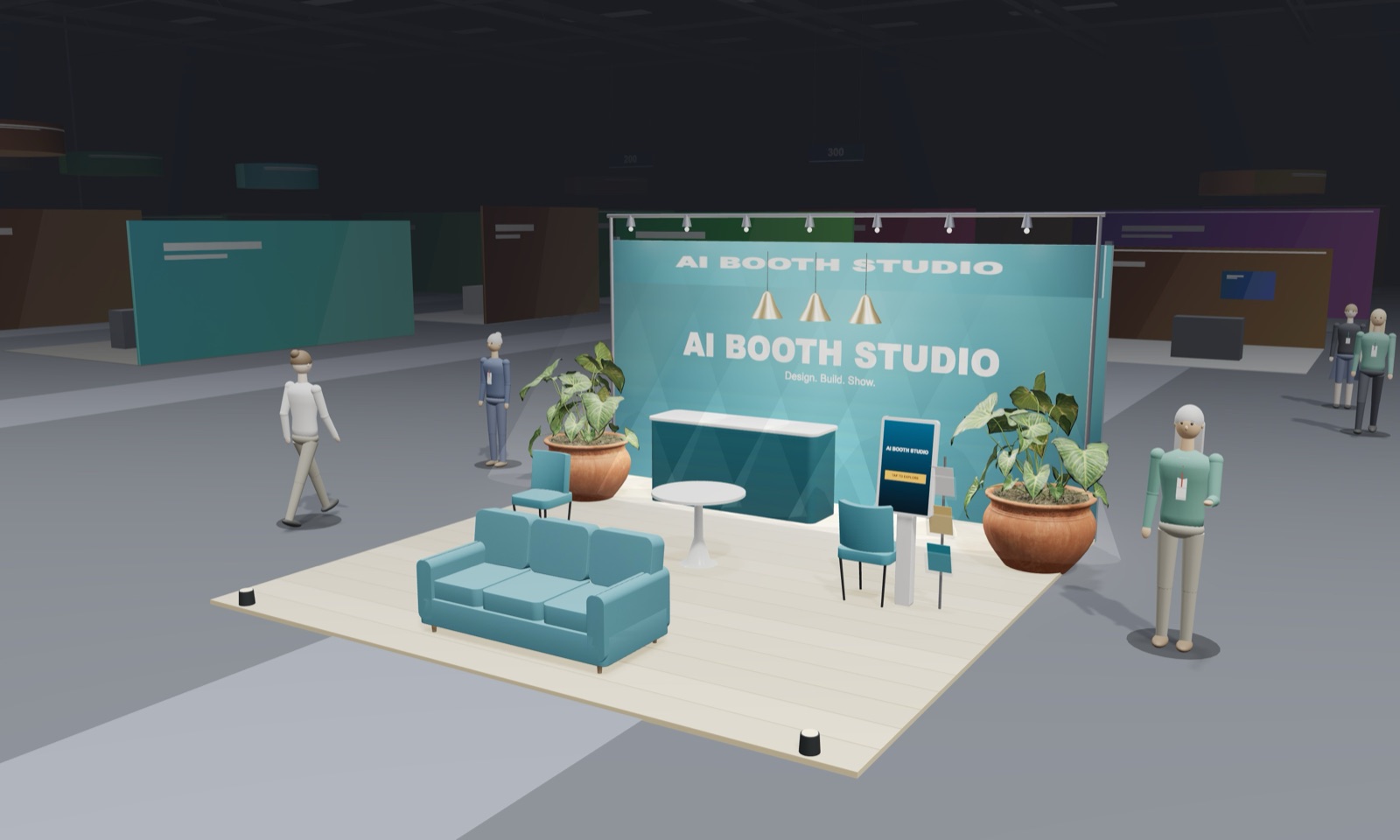
Tell AI what you have in mind. It picks the size, booth type, walls, flooring, colors and furniture, and builds it in 3D in seconds.
Prefer to start from scratch? Pick a size and booth type instead.
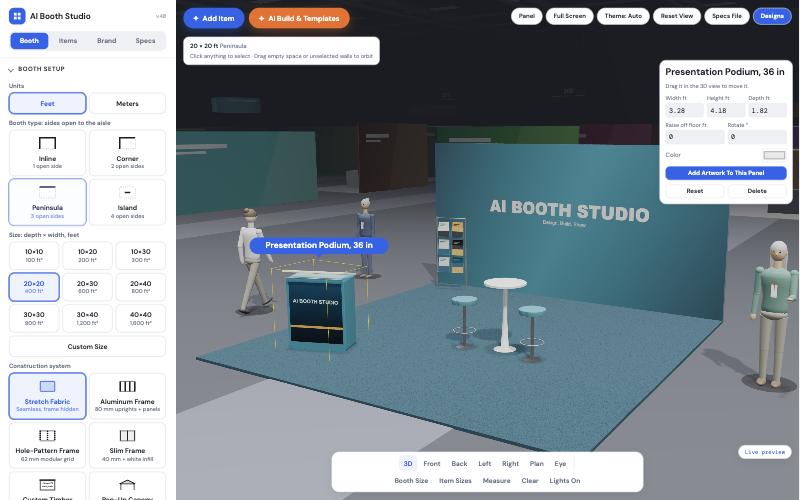
Fine-tune the layout like moving furniture in a room. Every piece has real-world sizes, and you can walk the aisle at eye level to see it the way visitors will.
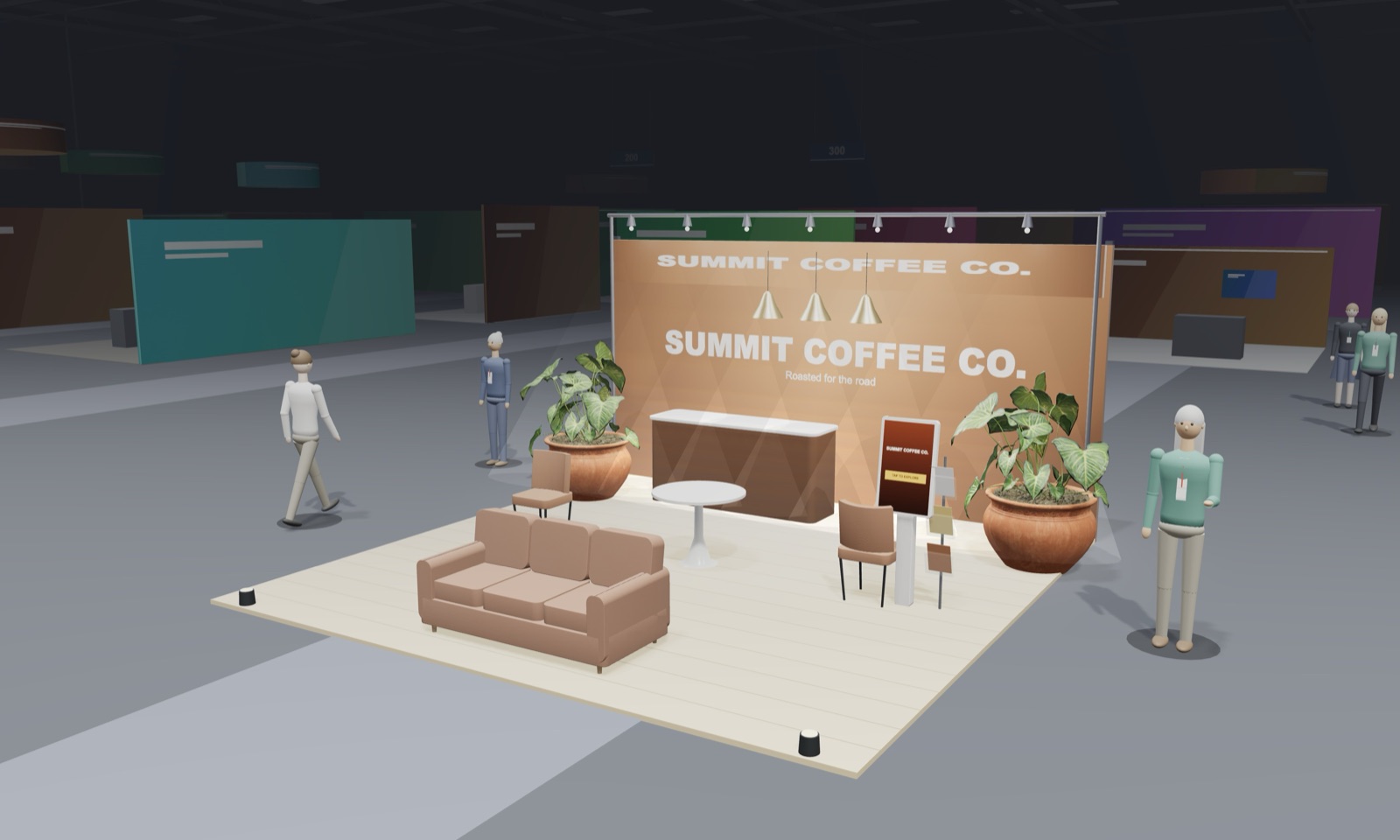
Your logo, colors, fonts and artwork go straight onto the walls, counters and signs, so the booth looks like your company, not a template.
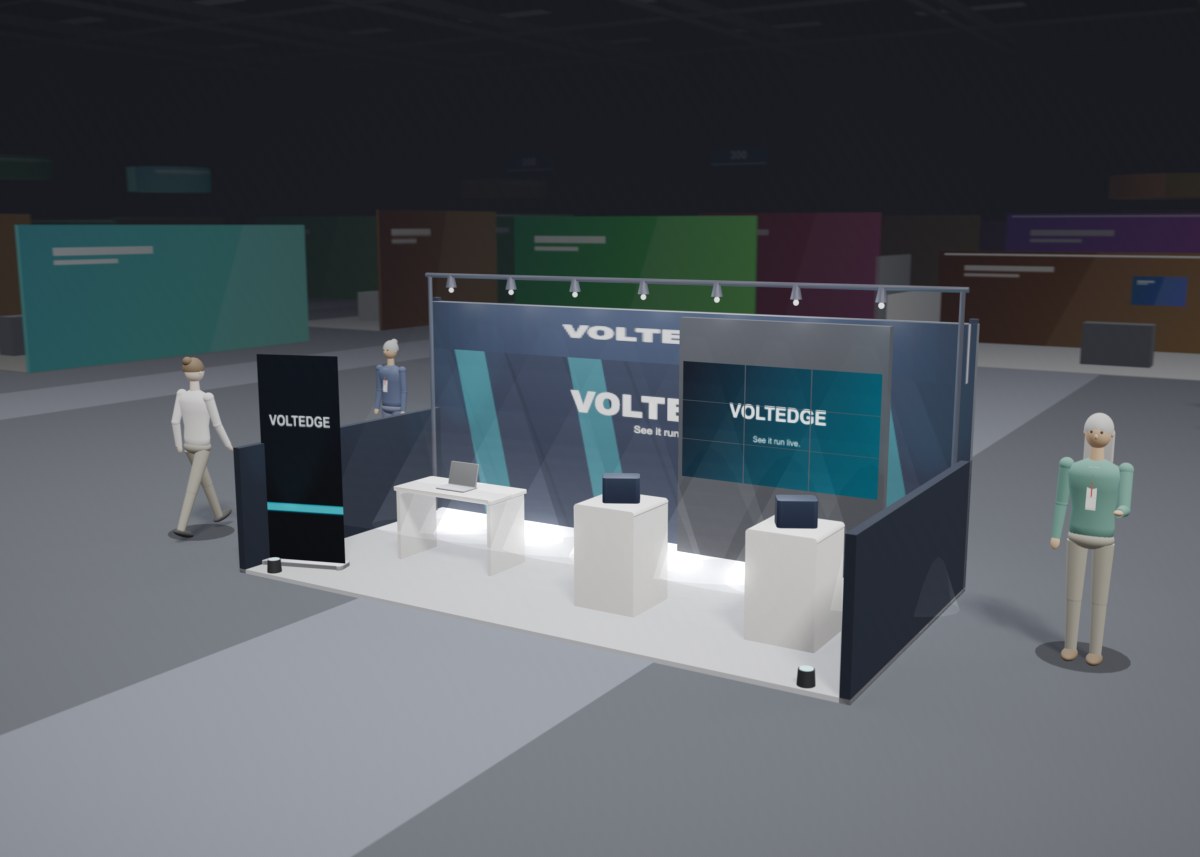
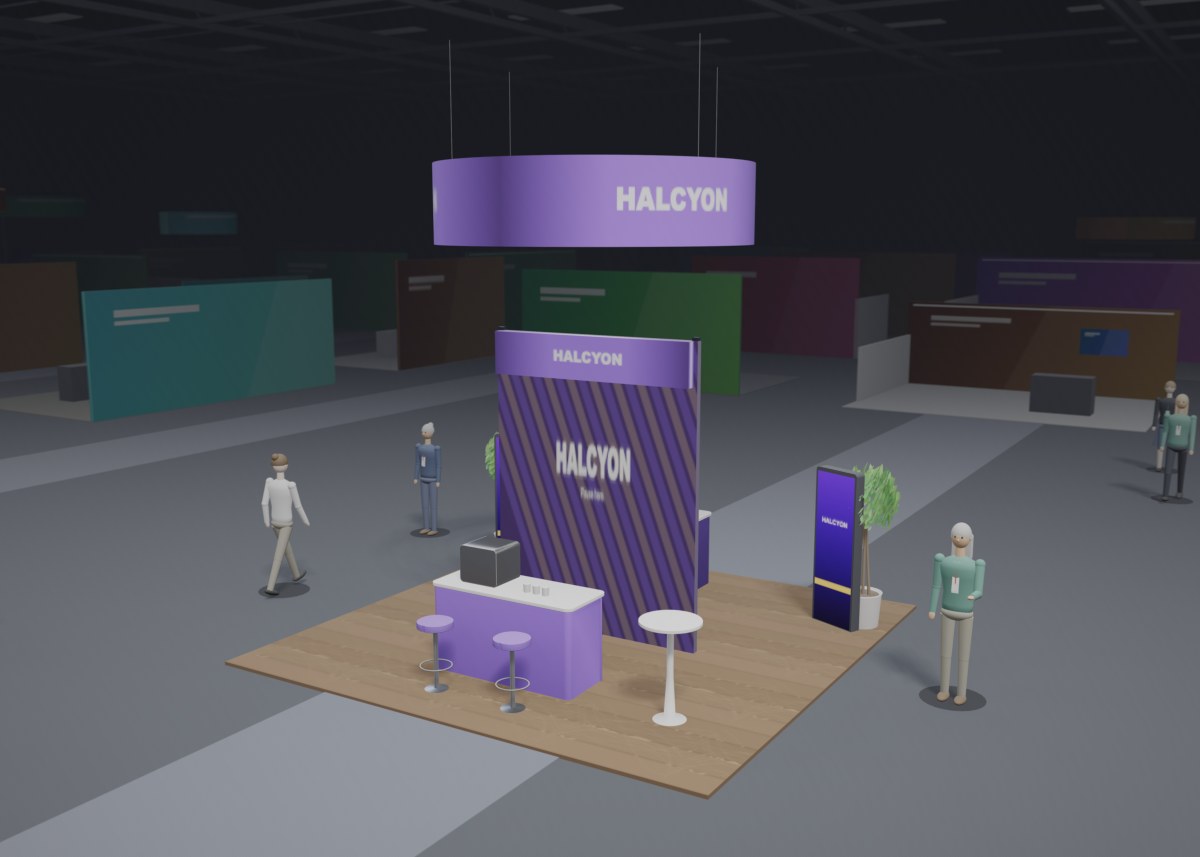
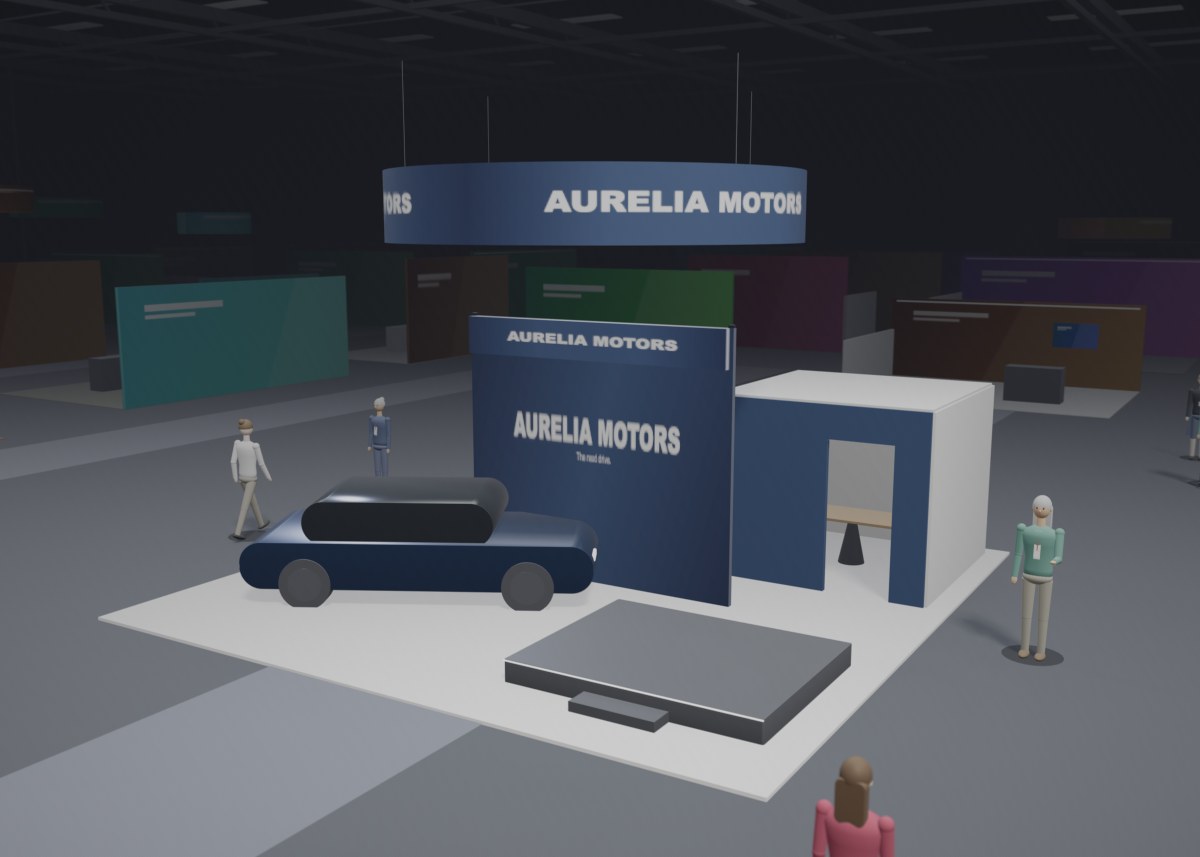
Orbit around the booth, step into the aisle at eye level, and save a crisp render from any angle. These were rendered straight out of the app without retouching. Select one to open that design and make it your own.
AI Render turns your design into an ultra-realistic photo or 10-second video clip of the booth on a real show floor. Drop it into investor decks, board presentations and pitches, win sign-off on your concept, and promote your booth before the doors open.
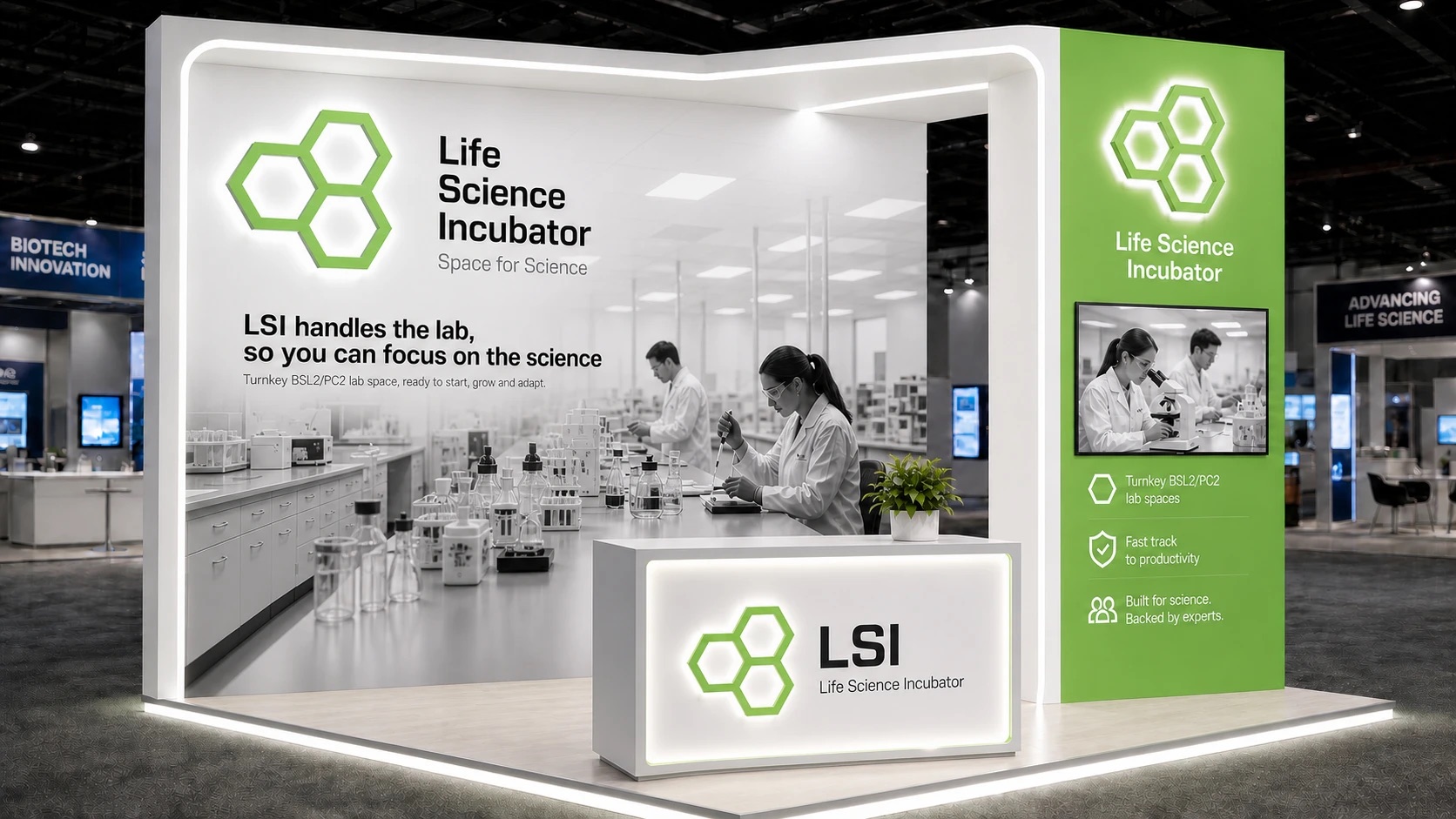
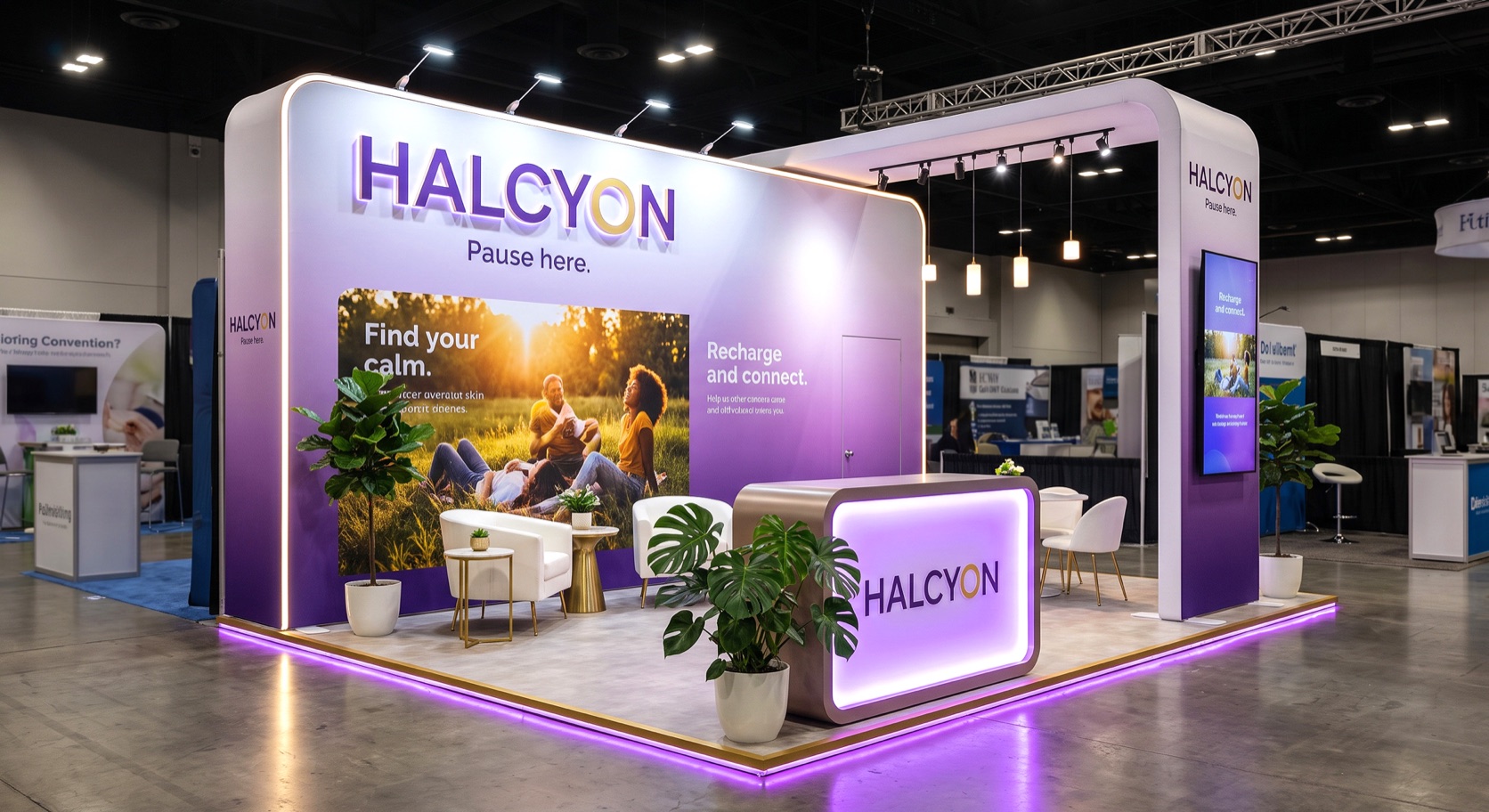
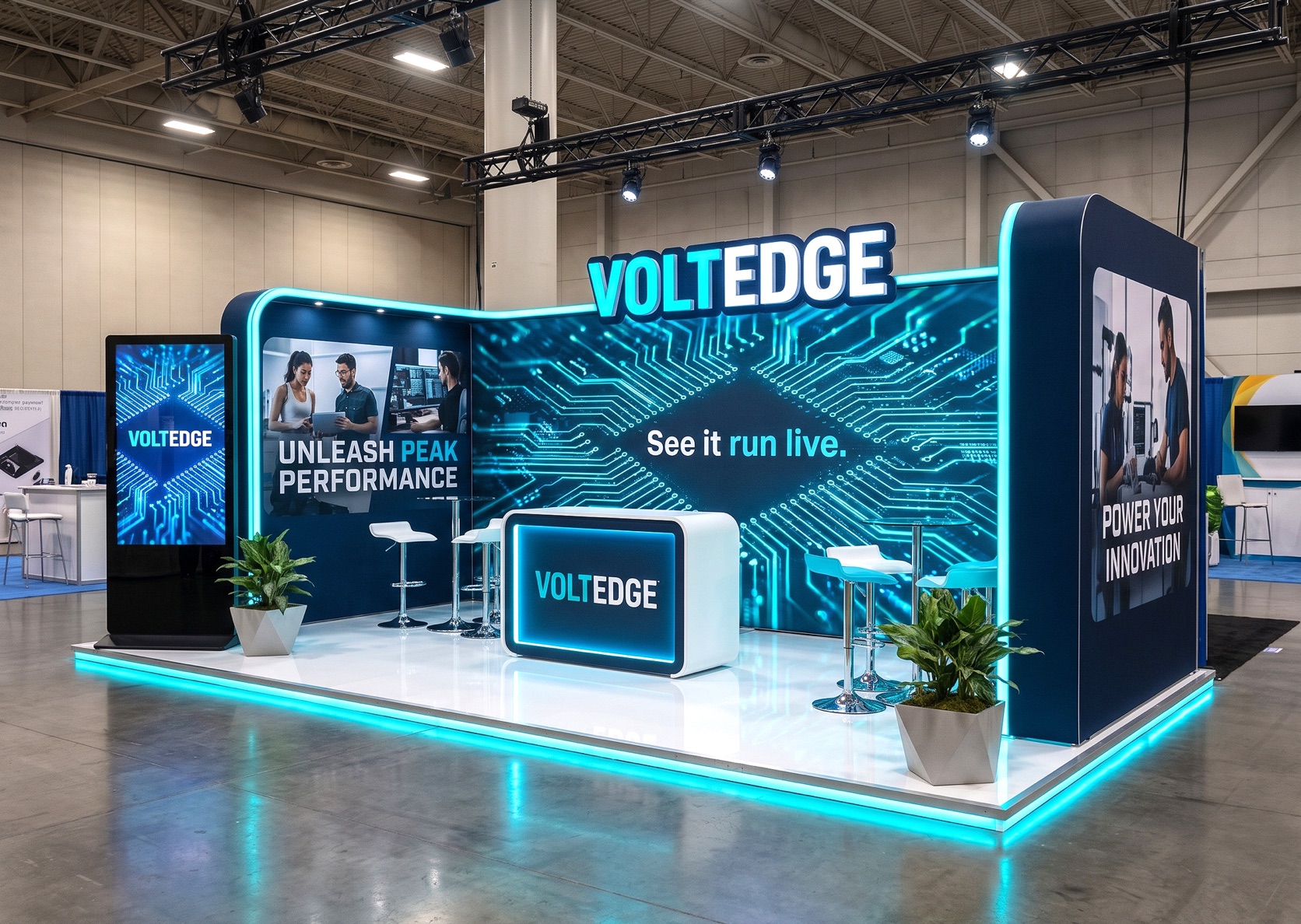
No CAD skills, no 3D artist, no installs. Get from idea to a visual you can put in front of decision-makers, without waiting weeks on concept renderings.
Describe the booth, drop in up to four reference images, and Claude picks the size, walls, floor, colors and furniture for you.
Upload a photo of an existing booth. Claude reads the layout and rebuilds it as editable 3D geometry at the size you choose.
Counters, podiums, stools, screens, video walls, lighting, plants, a display car, stages, meeting rooms and hanging signs, all at real size.
Select any wall or piece to move, resize, rotate or recolor it, cut a walk-through opening, add an overhang or place your own artwork and fonts.
Show sizes on every item, measure between any two points, and get ballpark weight, power and setup estimates to start the conversation.
Turn your render into an ultra-realistic image or video clip without leaving the app. Every pass includes AI image and video credits.
The app adds the right walls for each type. Corner booths let you choose which side gets the partition.
Switch to meters and the size options change to European and Asian stand standards. Any custom size works too.
Depth × width, as US shows list them. Select a size to open its starter design.
Shell scheme and raw space, depth × width. Select a size to open its starter design.
One-time passes, no subscription. Buy a week to pitch a single booth, or a year if you design for every show on the calendar.
One booth, one pitch
A full show cycle
For teams presenting all year
Creates and changes your 3D design
Photographs your finished design
After checkout, sign in to the app with the same email to unlock your pass and credits. No password needed: we email you a sign-in link.
Passes don't renew automatically. Prices in USD. Full refunds within 48 hours only if no AI Build or AI Render has been used. By purchasing you agree to our Terms of Service and Refund Policy.
Need more? Buy extras anytime in the app: 10 AI Build actions for $5, $5 per AI Render image, $10 per 10-sec video. They’re added to your pass and last as long as it does.
No. BoothVue runs in your web browser on a laptop or desktop. A large desktop or laptop screen is highly recommended. On a phone or small tablet, the 3D view and controls are too small to design comfortably.
AI is built in and included with every pass, with nothing extra to sign up for. There are two kinds. AI Build creates and changes your editable 3D booth from a sentence or a photo, and uses one AI Build action per request: 50 with a week pass, 150 with a month, 450 with a year. AI Render turns your finished 3D view into a photo-realistic image or a 10-second video, and uses image and video credits. Need more AI Build? Add 10 actions for $5 under Buy extras.
AI Build designs; AI Render photographs. AI Build gives you an editable 3D booth in the studio. You can move, resize, brand and change everything it makes. AI Render takes the view you framed and creates a finished, ultra-realistic picture or video of it for presentations. That picture isn’t editable 3D, so make your changes with AI Build or by hand first, then render. With Concept Upgrade on, AI Render also enhances the design well beyond your 3D model, like a professional exhibit designer would.
Once your booth is designed, click Generate. AI uses your render and your art direction to create a photo-realistic image or a 10-second video clip of the finished booth, right in the app. Each pass includes credits: 4 images and 2 videos for a week, 8 images and 4 videos for a month, or 30 images and 10 videos for a year. Need more? Buy extra images for $5 each or videos for $10 each under Buy extras. They’re added to your pass and can be used until it ends.
No. You can start from a sentence or a photo, and change anything by clicking it. Every step is guided, from the first layout to the final photo-realistic visual.
No. BoothVue is for concept visualization: showing what your trade show presence could look like, for investors, presentations, pitches and internal sign-off. It doesn't produce CAD drawings, engineering or manufacturing details. When you're ready to build, share your visuals with an exhibit house as a starting point. You can also give them a 4K render, a GLB 3D model and a summary of approximate sizes, and they will produce the construction drawings.
Yes, once you buy a pass. Sign in with the email you used at checkout and we'll send you a one-time sign-in link, so there's no password to remember. Your account holds your pass, your remaining image and video credits, and your generated images and videos.
When you're signed in, your designs save to your account automatically, so you can open them on any computer. You can also send a view-only share link to a colleague or investor.
Ask about features, booth sizes, pricing or a design you're working on. We reply within one business day.
Start from an idea and end with an ultra-realistic image or video, ready for your next presentation. Nothing to install.